Table of Contents
ToggleFinding room for a functional workspace in a small home can feel like solving a puzzle with missing pieces. But here’s the thing: a small standing desk doesn’t just save floor space, it can improve posture, boost energy, and transform an unused corner into a productive zone. Whether you’re working from a studio apartment or carving out a home office in a spare bedroom, the right compact standing desk makes all the difference. This guide walks through what to look for, where to place it, and how to set it up so it actually works for your space and workflow.
Key Takeaways
- A small standing desk improves posture and energy levels while saving floor space by alternating between sitting and standing positions throughout your workday.
- Quality compact standing desks should have a height range of 28″ to 48″, electric adjustability with memory presets, and a weight capacity of at least 150 lbs for standard home office setups.
- Optimal placement for a small standing desk includes corner nooks, window alcoves, closet conversions, and hallway dead zones to maximize functionality without sacrificing comfort.
- DIY upgrades like custom-built desktops using butcher block or plywood, cable management solutions, and vertical pegboard storage can personalize your small standing desk setup while reducing costs by 30-40%.
- Anti-fatigue mats, monitor arms, and surge-protected power strips are essential accessories that enhance comfort and productivity without adding clutter to a compact desk surface.
- Building or assembling a small standing desk yourself avoids the complexity of traditional office furniture while providing flexible relocation options for renters and frequently rearranged spaces.
Why a Small Standing Desk Is Perfect for Your Home
A standing desk small enough to fit in tight quarters offers real benefits beyond the obvious space savings. First, it encourages movement. Sitting for eight-plus hours a day takes a toll on circulation and posture. Alternating between sitting and standing throughout the day can reduce back strain and keep energy levels more consistent.
Second, the smallest standing desk models are easier to relocate. If you’re renting or frequently rearranging furniture, a lighter, more compact unit can move from bedroom to living room without requiring help or damaging walls. This flexibility matters more than most people realize when home layouts shift with seasons or life changes.
Third, a thin standing desk fits where traditional desks can’t. Narrow hallways, alcoves next to stairs, or even closets converted to mini offices become viable workspaces. These unconventional spots often have natural light or reduced noise, key factors for focus.
Finally, cost. Smaller footprints generally mean lower material costs, so budget-conscious DIYers can find quality options without very costly. Just remember: smaller doesn’t mean flimsy. A well-built compact desk should still handle a monitor, keyboard, and a few essentials without wobbling or sagging.
Key Features to Look for in a Compact Standing Desk
Not all small standing desks are created equal. Here’s what separates a solid choice from a regret.
Adjustability and Height Range
The whole point of a small standing desk adjustable mechanism is to accommodate your height and preferred posture. Most quality models offer a height range between 28″ and 48″, which covers seated and standing positions for users roughly 5’0″ to 6’4″. If you’re outside that range, check the spec sheet before buying.
There are three main adjustment types:
- Electric (dual motor): Smoothest operation, can handle heavier loads, typically rated for 150–300 lbs depending on the frame. Requires an outlet nearby.
- Electric (single motor): More affordable, slightly slower lift speed, usually fine for desktops under 100 lbs.
- Manual crank or pneumatic: No power needed, but requires physical effort. Pneumatic lift is easier than a crank but loses reliability over time as the gas cylinder wears.
For small spaces, electric models with memory presets are worth the upcharge. You can program two or three heights (say, 29″ for sitting, 42″ for standing) and switch with a button press. This removes the guesswork and makes it more likely you’ll actually use the standing function.
Desktop Size and Weight Capacity
A standing desk small space setup typically uses a desktop between 36″ and 48″ wide and 20″ to 24″ deep. Anything smaller starts to feel cramped once you add a monitor, keyboard, and coffee mug. Anything bigger defeats the purpose of saving space.
Pay attention to weight capacity. Most compact frames are rated for 100–150 lbs. That’s enough for a laptop, monitor, and accessories. If you’re planning dual monitors or a desktop PC tower on the surface, bump up to a frame rated for at least 200 lbs.
Desktop material matters too:
- Solid wood or bamboo: Durable, attractive, heavier. Good for stability but harder to move.
- MDF or particle board with veneer: Lighter, cheaper, but can sag under heavy loads or warp in humid conditions.
- Laminate over plywood: Middle ground. Reasonably sturdy, moisture-resistant, and affordable.
If you’re building your own desktop (more on that in a bit), 3/4″ plywood or a solid wood butcher block works well. Sand edges smooth and apply a clear polyurethane finish for durability.
Best Placement Ideas for Small Standing Desks
Location can make or break a small space standing desk setup. Here are proven spots that maximize function and comfort.
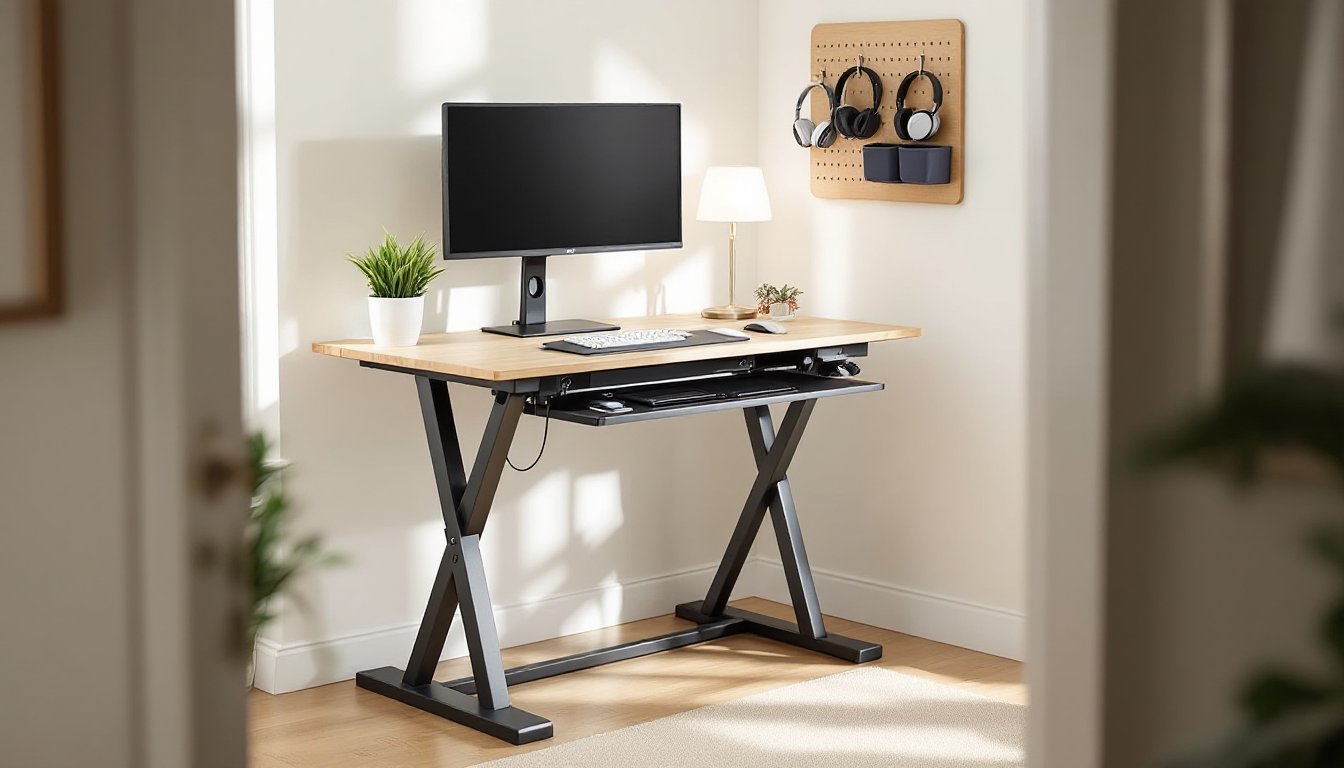
Corner nooks: An L-shaped arrangement in a corner uses dead space efficiently. Position the desk along one wall and add a small shelf or pegboard on the adjacent wall for vertical storage. This setup keeps cords hidden and creates a defined work zone without eating up the middle of the room.
Window alcoves: If you have a shallow bay window or recessed area, a narrow standing desk fits perfectly. Natural light reduces eye strain, and the view can be a mental boost during long calls. Just avoid placing electronics in direct sunlight, which can cause glare and overheat screens.
Closet conversions: Remove closet doors and install a compact standing desk inside. Use the upper rod for hanging headphones or bags, and add a small task light to the top shelf. This “cloffice” approach works especially well in bedrooms where you want to hide work mode behind a curtain at day’s end.
Behind a sofa: In studio apartments, a standing desk for small spaces can double as a sofa table. Choose a model that’s 30″ tall or less when lowered, so it sits just above the sofa back. When you need to stand, raise it and work from behind the couch. It’s unconventional but functional.
Hallway dead zones: If your hallway is at least 40″ wide, a thin standing desk along one wall won’t block traffic. Add a narrow floating shelf above for books or plants, and you’ve turned wasted square footage into a productive area.
One safety note: If you’re placing a standing desk on carpet, make sure the frame has wide feet or a crossbar base. Single-post or narrow-leg designs can sink or tip under load. For hard floors, add felt pads to protect finishes and reduce noise when adjusting height.
DIY Tips to Maximize Your Small Standing Desk Setup
You don’t need to buy everything pre-assembled. A few strategic DIY moves can personalize your setup and save money.
Build your own desktop: Buy a standing desk frame kit and pair it with a custom desktop. Home centers sell birch or oak butcher block countertops in 25″, 30″, or 36″ widths and various lengths. Cut to size with a circular saw (clamp a straight edge as a guide) and finish with polyurethane or tung oil for protection. Total material cost is often 30–40% less than a pre-built unit.
If you want a sleeker look, use 3/4″ Baltic birch plywood with the edges banded in matching veneer tape. Apply the tape with a household iron, trim with a utility knife, and sand flush. Finish with a water-based poly for a low-VOC, fast-drying topcoat.
Cable management: Small desks show clutter fast. Run a cable tray or J-channel along the underside of the desktop to hide power strips and excess cord length. Use velcro cable ties (not zip ties, which are harder to adjust) to bundle wires. For a cleaner look, drill a 1.5″ grommet hole near the back corner to drop cables through. Deburr the hole with sandpaper so cords don’t snag.
Builders with more experience can reference woodworking project plans for advanced cable management solutions and custom desk accessories.
Monitor arm: A gas spring monitor arm frees up desktop real estate and lets you adjust screen height independently of the desk. Mount it to the rear edge with a C-clamp or grommet base. Make sure your desktop is at least 3/4″ thick to support the clamp pressure. If using particle board, add a steel reinforcement plate underneath to prevent crushing.
For step-by-step guidance on mounting hardware and working with different materials, beginner-friendly building guides offer clear instructions and material lists.
Vertical storage: Install a pegboard panel or slat wall on the wall above the desk. Use hooks and bins to hold headphones, chargers, notebooks, and tools. Keep it within arm’s reach so you don’t have to step away from the desk. Paint the pegboard to match your wall color for a more integrated look.
Anti-fatigue mat: Standing on hard floors for hours is tough on knees and lower back. A 3/4″ thick anti-fatigue mat with beveled edges reduces strain. Look for commercial-grade mats rated for static standing, not kitchen mats, which compress too quickly. If you’re on carpet, skip the mat, it creates an unstable surface.
Keyboard tray (optional): If desktop depth is tight, a slide-out keyboard tray reclaims 4–6″ of surface space. Most clamp to the underside and adjust for tilt and height. Make sure it doesn’t interfere with the desk’s lift mechanism. Measure clearance before installing.
Anyone new to hardware installation or mounting projects can check home repair tutorials for tool tips and troubleshooting advice.
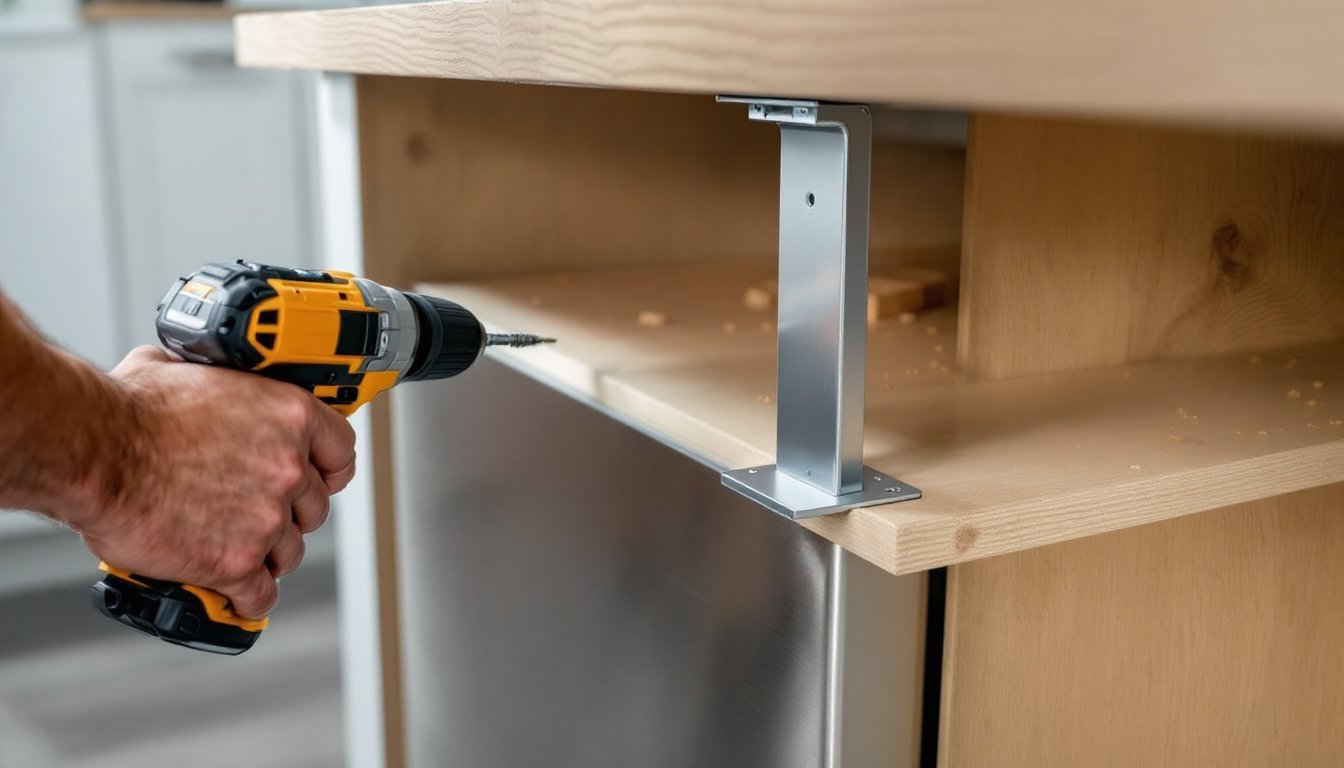
Power strip placement: Mount a surge-protecting power strip to the underside of the desk with industrial-strength velcro or screw-mount brackets. This keeps outlets accessible and prevents cords from dragging on the floor when the desk raises. Use a strip with at least 6 outlets and 2 USB ports to accommodate laptop chargers, monitors, desk lamps, and phone cables.
Safety reminder: When drilling into desktops or mounting hardware, wear safety glasses to protect against wood chips and metal shavings. If using power tools, ear protection is smart, especially in small rooms where sound echoes. Always unplug electrical components before drilling near them.
Conclusion
A small standing desk isn’t a compromise, it’s a smart fit for modern homes where space is at a premium and flexibility matters. Focus on adjustability, realistic weight capacity, and placement that doesn’t sacrifice comfort for square footage. With a few DIY upgrades, even the most basic frame can become a tailored workspace that supports better posture and productivity.